
Production, Shop Floor & Machine Control Center
Operations, employees, machines, programs, cameras, faults, maintenance, priorities and quality prerequisites are brought together in the operational workflow. Employees see their work queue instead of five different systems.
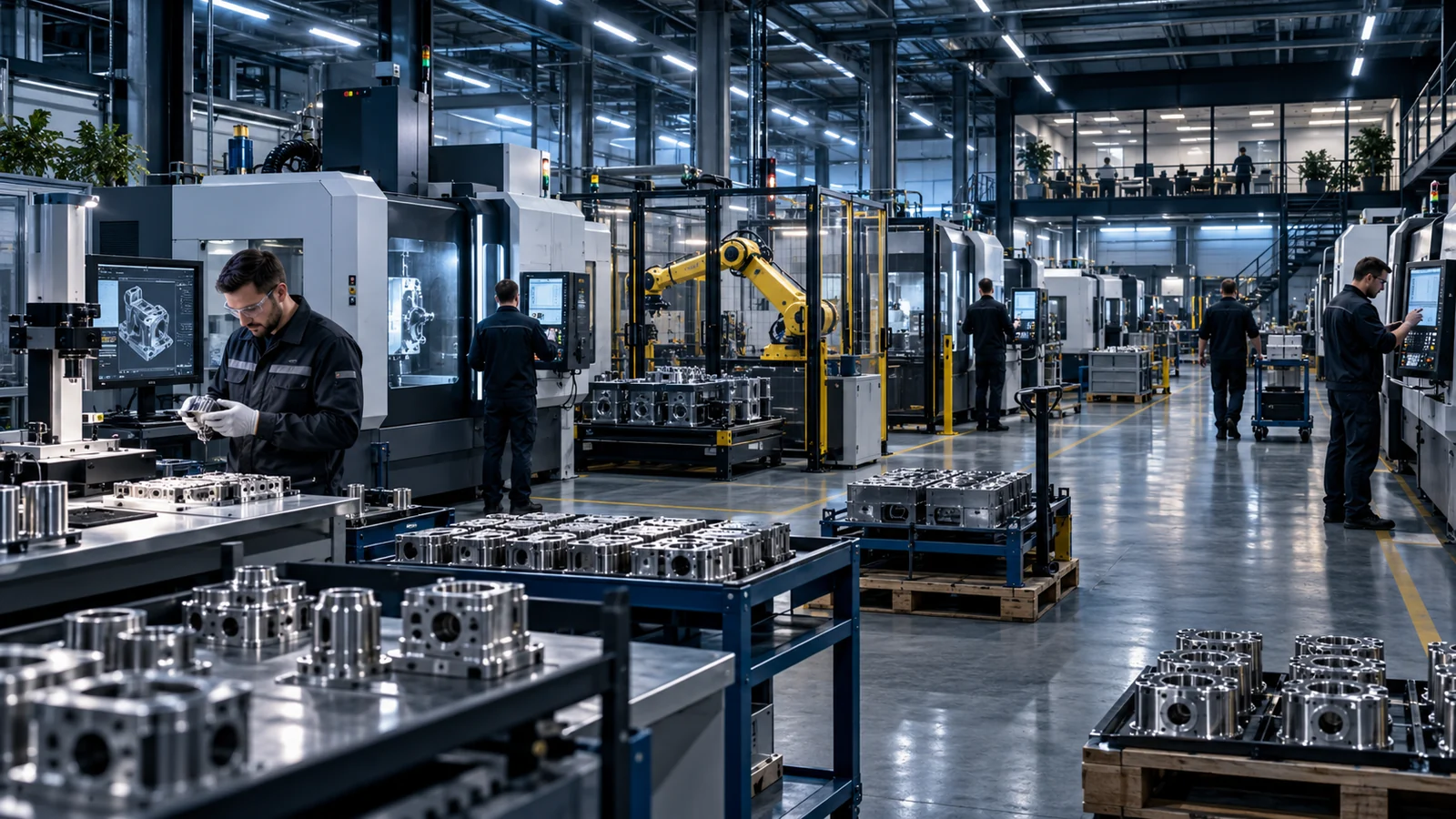
Today, production involves a lot of searching and asking around.
Information is scattered. Status is requested by phone, feedback is copied over by hand and faults are passed on verbally.
- Searching for programs, drawings and cutting lists
- Asking about order status and remaining quantities
- Transferring feedback from paper into the system
- Reporting faults verbally and documenting them afterwards
- Seeing utilization only in hindsight
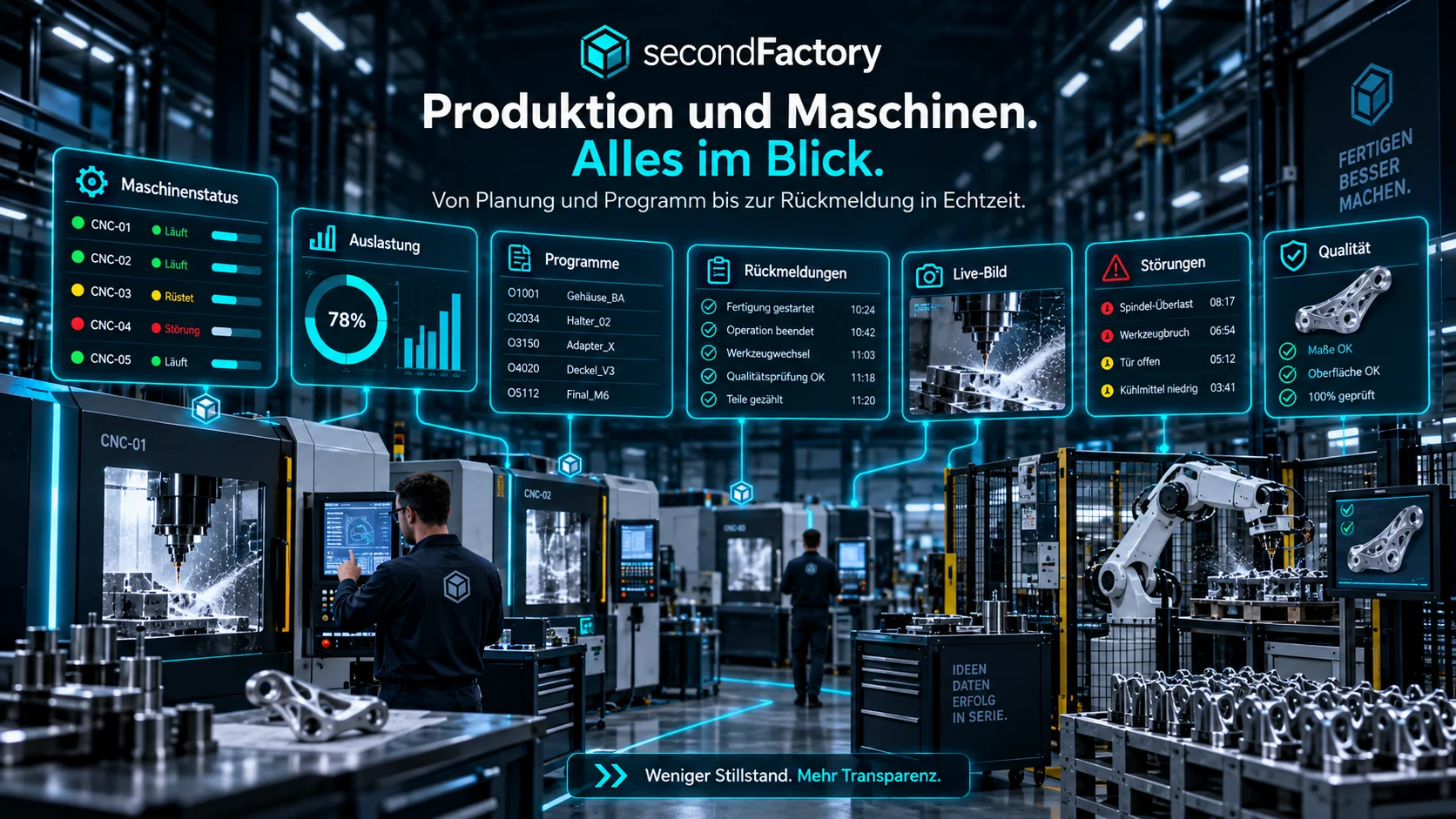
What the module covers.
Operations
Take over, start, pause, hand over, skip – with rules and history.
Workstations & Liveboard
Each area sees what is running, waiting, blocked or becoming important today.
Machine control center
Display status, program, runtime, part count, maintenance, timeline and activities centrally.
Cameras
Integrate, test and display up to several camera positions per machine live.
Issues & escalations
Report, acknowledge, escalate and resolve faults and Andon alerts in a structured way.
Maintenance & history
Maintain machine profiles, status history, utilization and maintenance in a traceable way.
From intake to a controlled result.
This is where your team reviews and decides.
secondFactory prepares. At these points, a person confirms, corrects or deliberately approves – nothing slips through unnoticed.
Pre-check before start
Predecessors, approvals, program and documents are checked before an operation starts.
Confirm feedback
Quantities, remaining quantities and progress are confirmed or corrected by production.
Assess issues
Faults and Andon alerts are acknowledged and escalated – your team decides on cause, priority and solution.
What improves day to day.
Less searching
Order, machine and quality data in one place.
More transparency
Status and bottlenecks visible in real time.
Better handovers
Who did what and when remains traceable.
What goes in. What comes out.
Input sources
- Work queue from planning
- NC programs and setup packages from CAM
- Machine status, runtimes and part counts
- Camera images per machine
- Employee feedback
Results
- Status per operation: running, waiting, blocked
- Liveboard per area
- Machine control center with timeline
- Documented issues, escalations and maintenance
- Feedback for quality and cockpit
Handovers without re-entry.
Planning and CAM
Routings and resources from planning, programs from CAM & Machines.
Production, Shop Floor & Machine Control Center
Control work where it happens.
Quality, warehouse and cockpit
Manufactured parts go to inspection and the warehouse, the status to the cockpit.
Review production & machines against your real workflow.
In a process analysis, we take a typical order through your production – with your machines, documents and feedback.